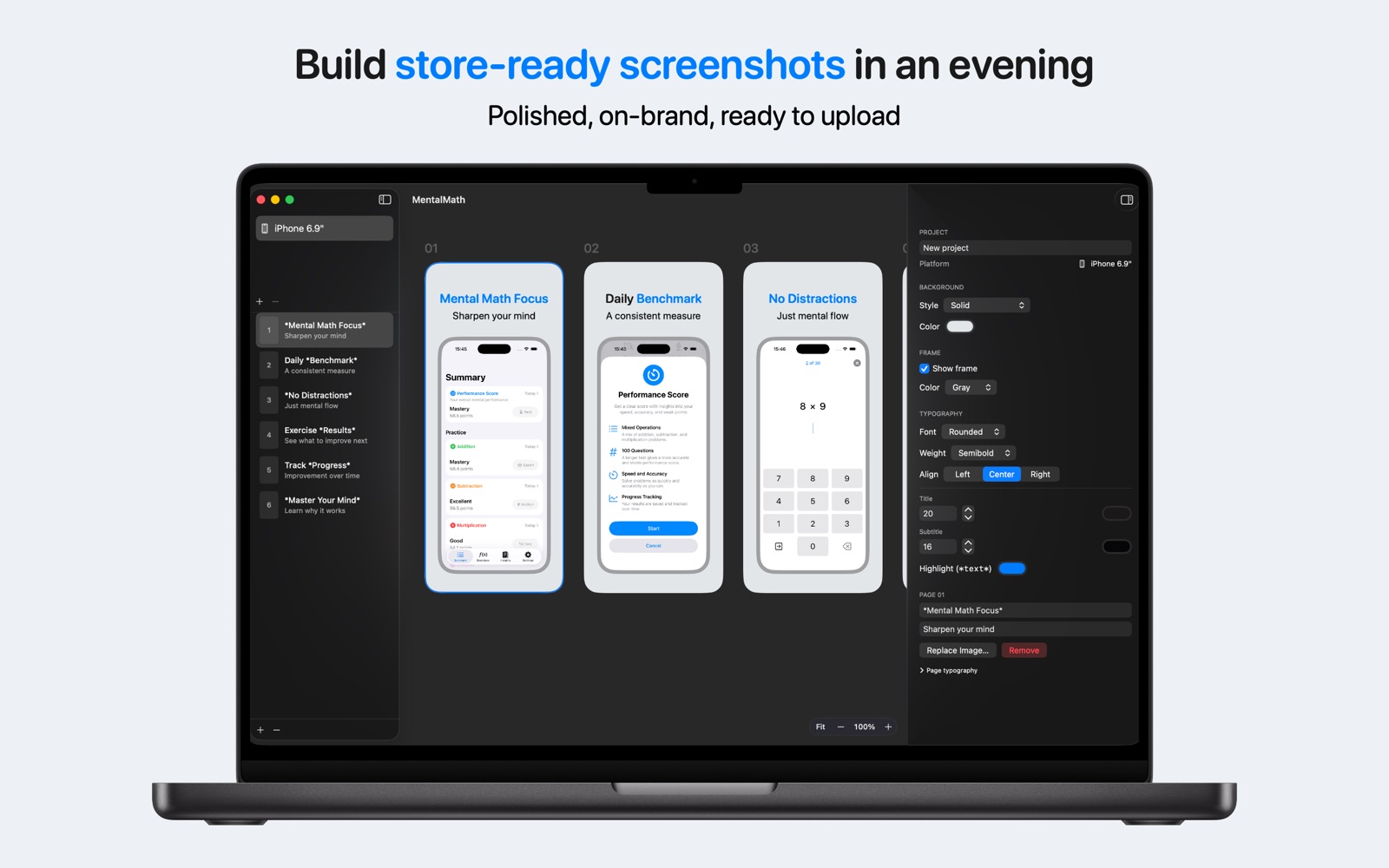
No plugin juggling. No export-size math. No dragging fifty files into a browser.
📱
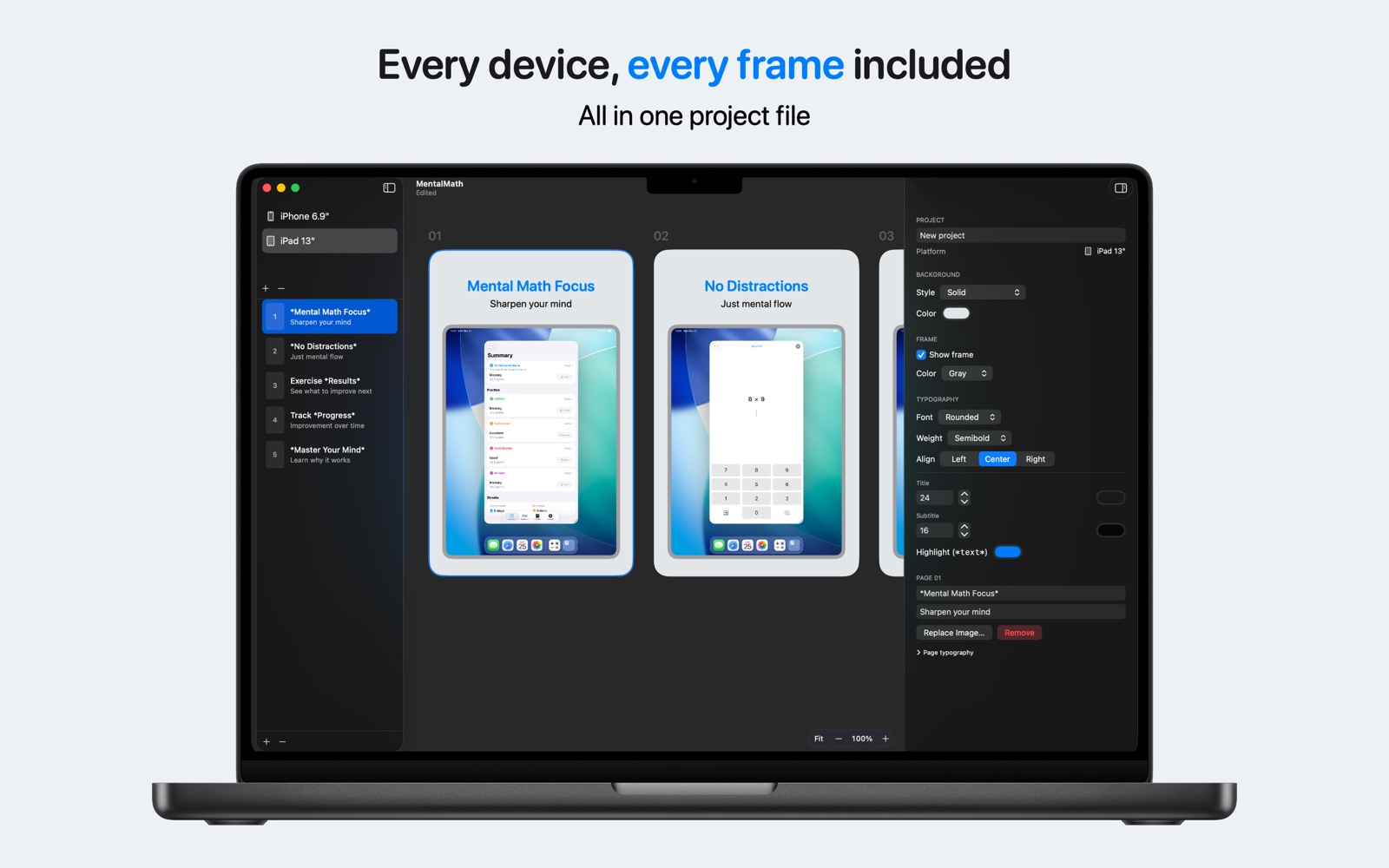
Every device in one document
iPhone, iPad, Mac, and Apple Watch, each with its own pages and styling, rendered at the exact sizes App Store Connect accepts.
🚀
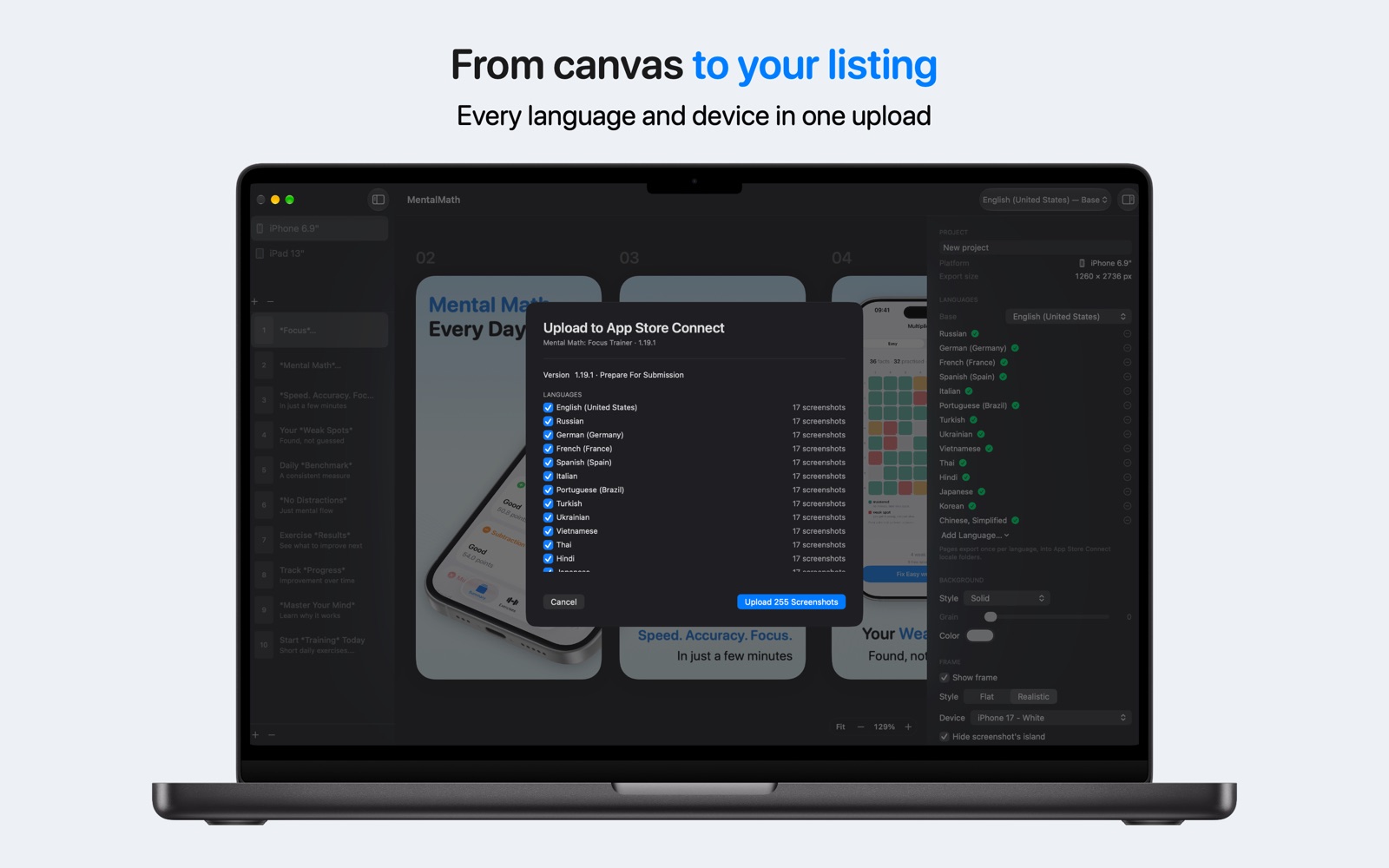
Upload without the browser
Add your App Store Connect API key once. Framely puts every language and every device slot into the version you're preparing, shows what it will replace first, and resumes only what's missing if the connection drops.
🖼️
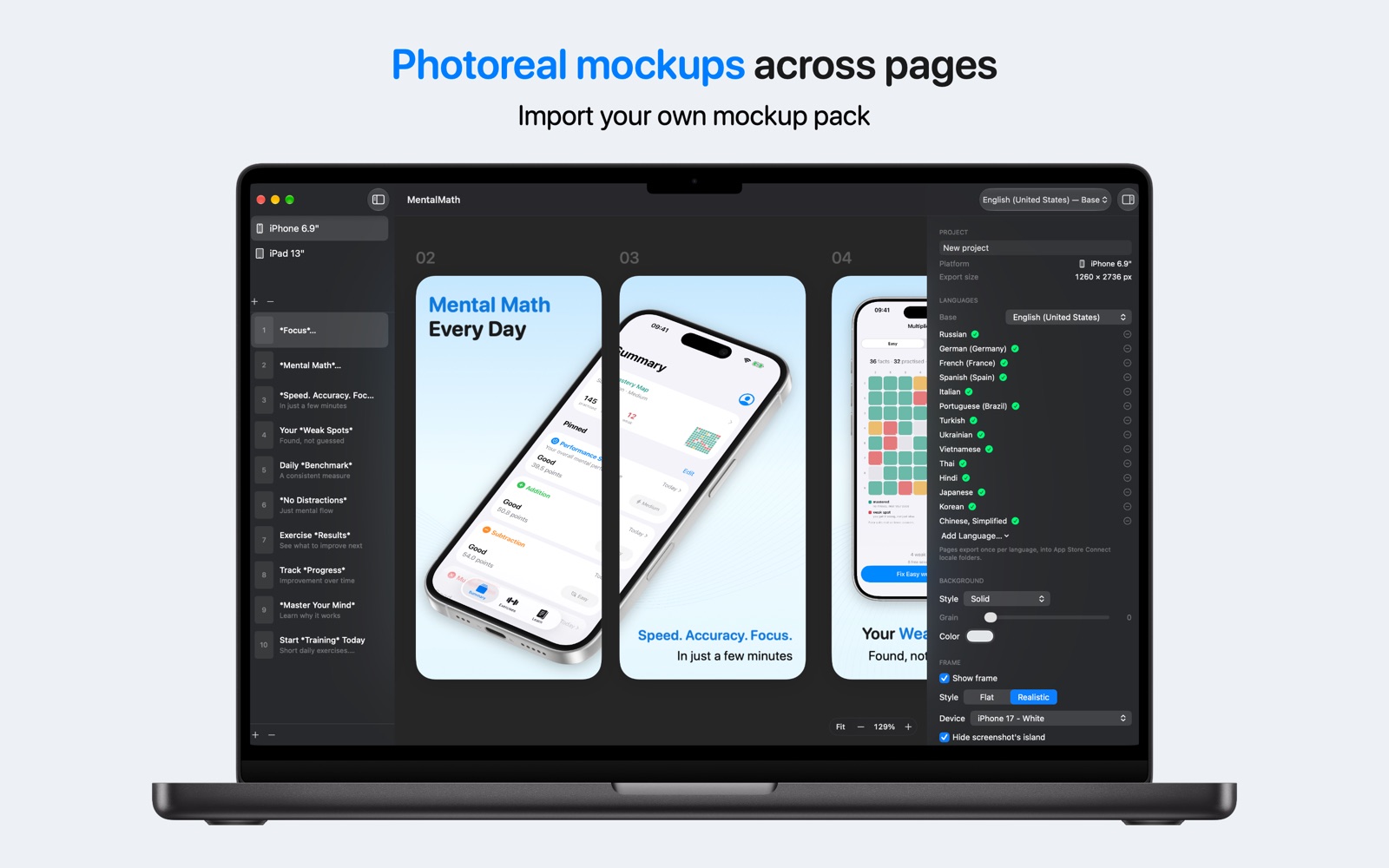
Real frames and photoreal mockups
Download Apple's bezel artwork once and your screenshot sits in an iPhone, iPad Pro, MacBook Pro, or Apple Watch in the real colors. Or bring a mockup pack and warp it onto a tilted device — even across several pages.
🌍
39 App Store languages
Translate your captions, switch language from the toolbar to see how each one wraps, and see how much is actually translated. Untranslated text falls back to your base language, so you can ship two languages now and add the rest later.
✍️
The layouts the top charts use
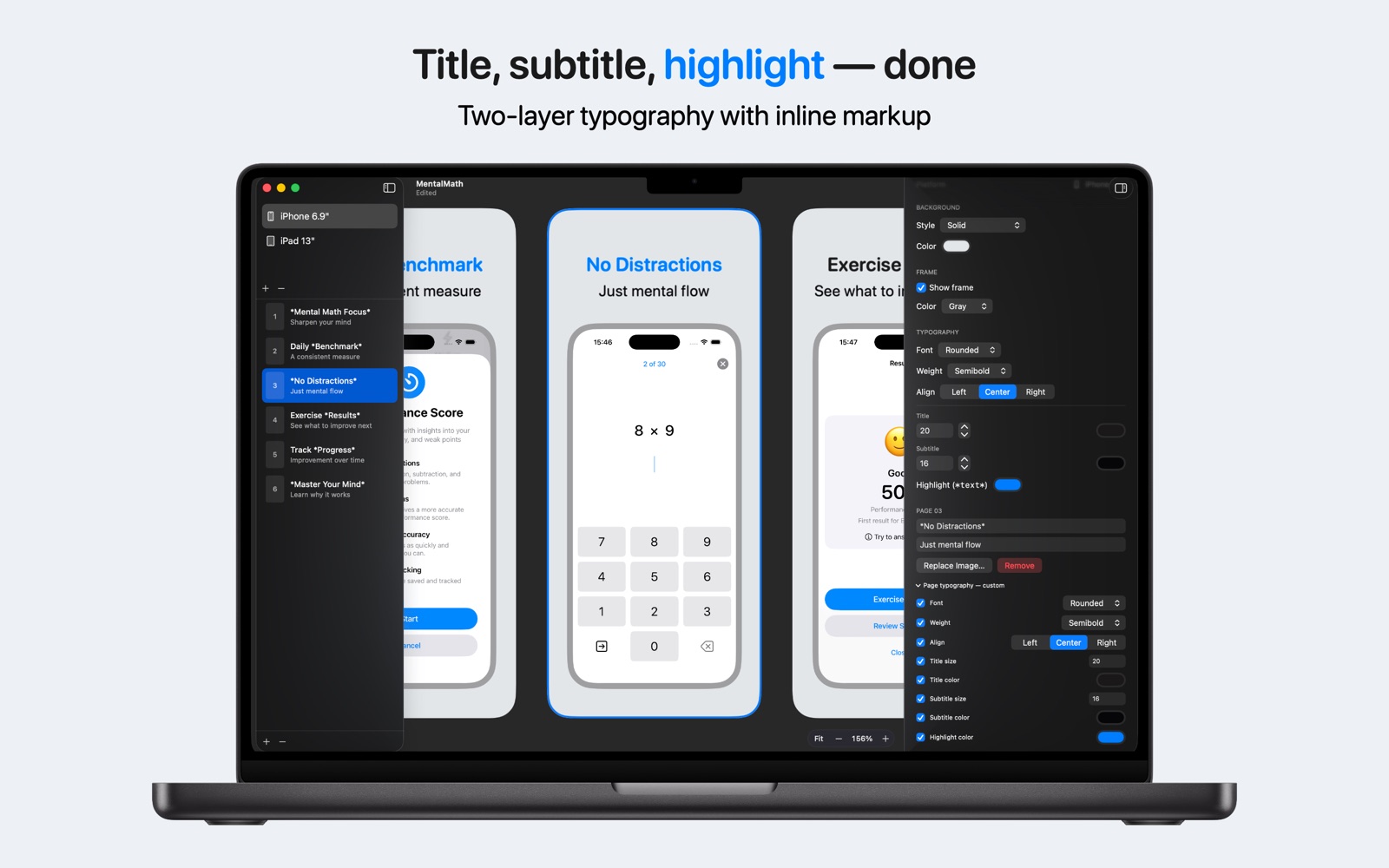
An oversized device running off the page edge, captions above or below, inline highlight markup, text-only feature pages, drop shadows you control, and solid, gradient, or photo backgrounds with film grain.
💾
A real Mac document
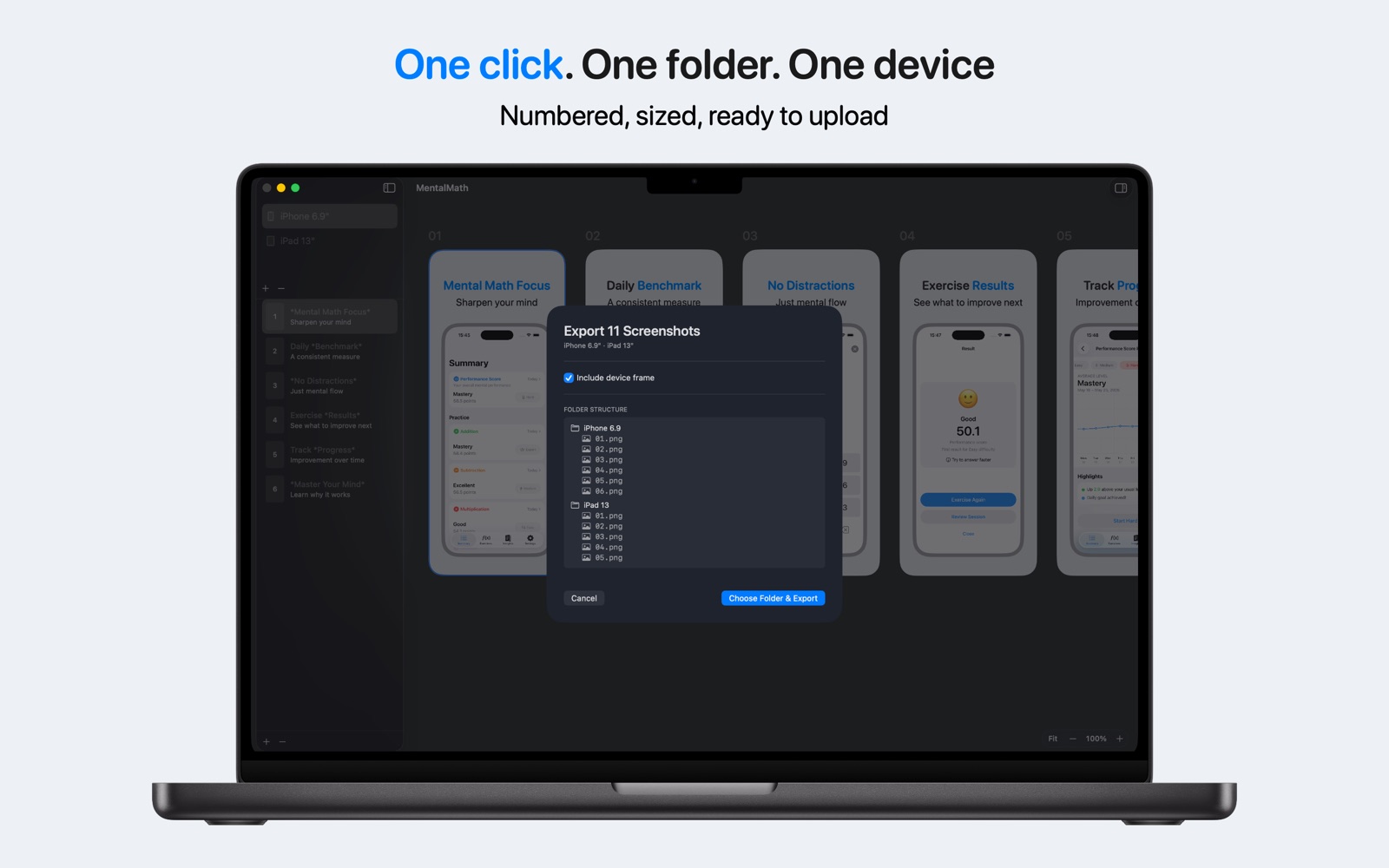
Undo and Redo, tabs, recent files, drag and drop of PNG, JPEG, or HEIC, and batch export with a progress bar and a Stop button. VoiceOver throughout.